 Mini OBDII Help Center
Connecting the Device
Connect Mini OBDII to your vehicle's OBDII adapter over Bluetooth.
After installing the app and selecting your vehicle, connect with the OBDII adapter.
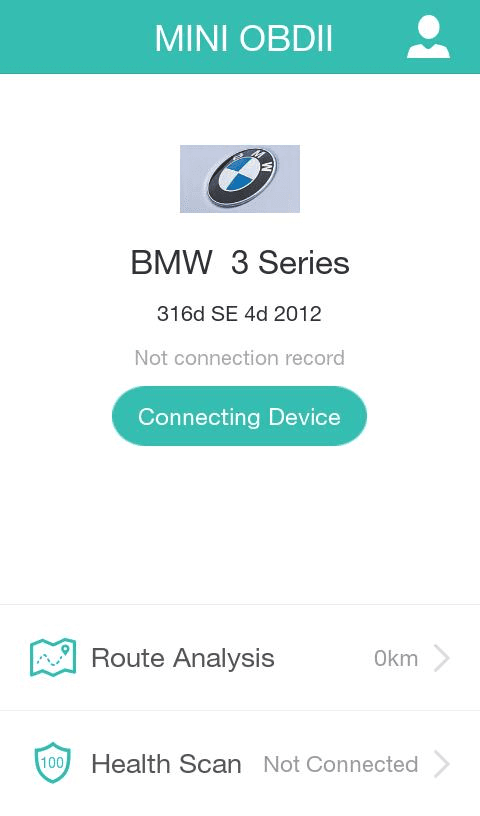
Click at "Connecting Device" to prepare for OBDII adapter connection.
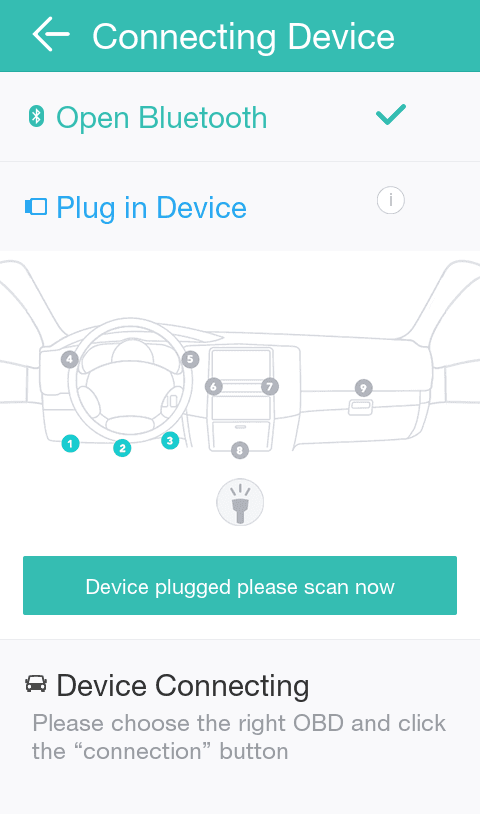
Click at "Device Plugged please scan now" to scan the OBDII Bluetooth.
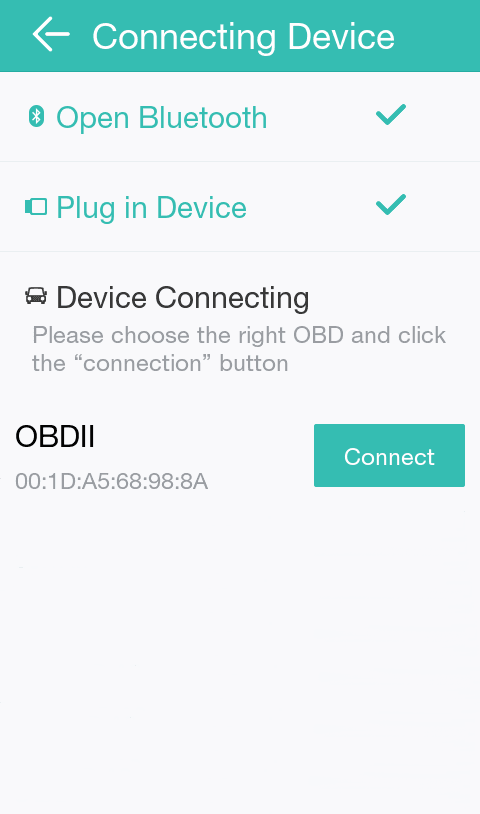
Locate Bluetooth OBDII and click at Connect.
See also
For more about Bluetooth and Wi-Fi connection, see Connection Methods.