 Mini OBDII Help Center
Installation & Setup
Install the Mini OBDII app on Android, register your account, and select your vehicle.
This section covers Mini OBDII for Android.
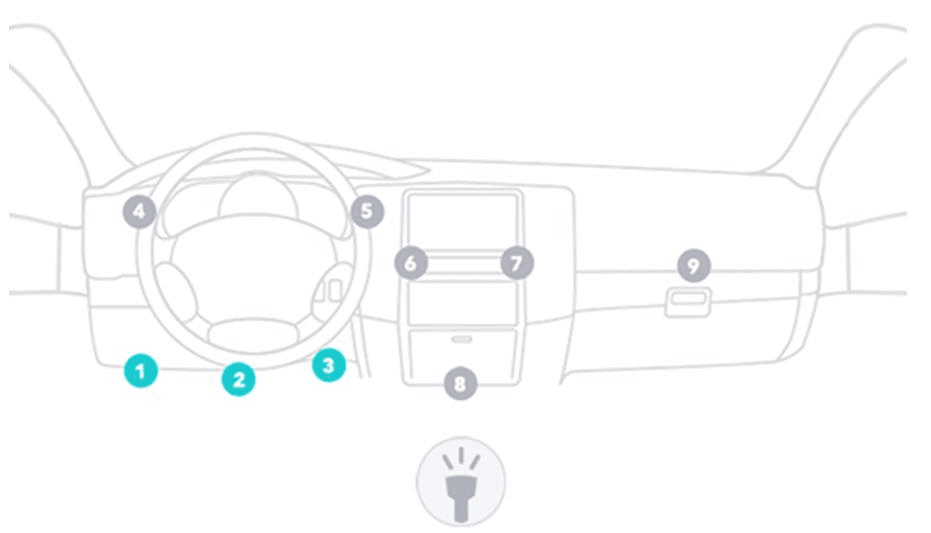
Plug in OBDII adapter, start car engine.
Install Software "Mini OBDII".
Scan QR code download or Copy "Mini OBDII" software to phone from CD.

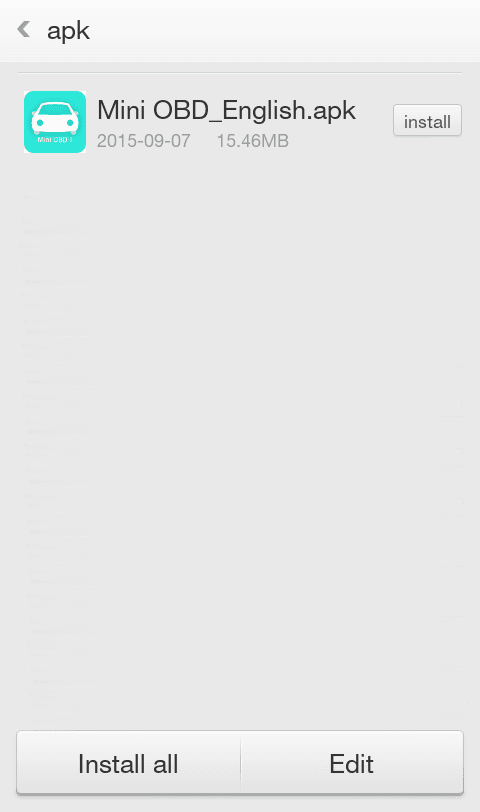
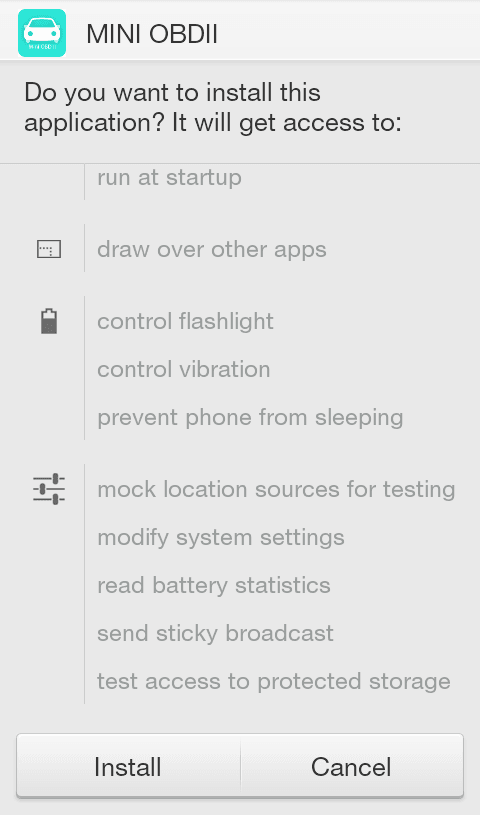
Install Software.
Launch Software "Mini OBDII".
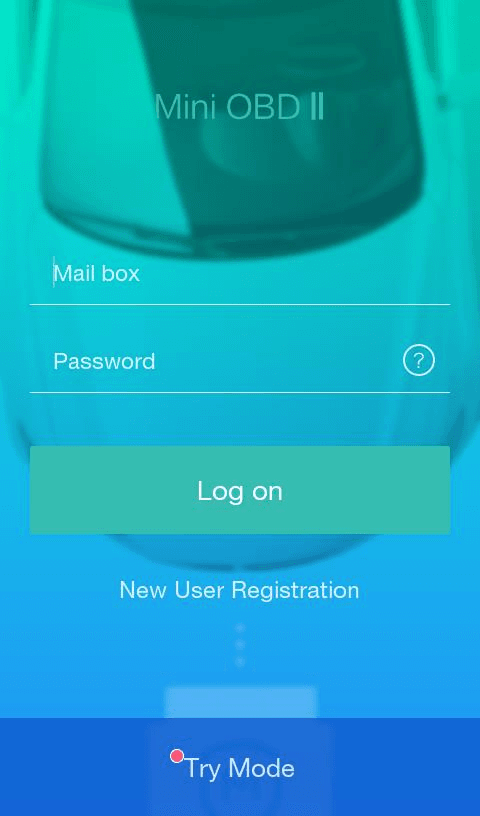
Register and login your account.
Click at the Icon on the top right.
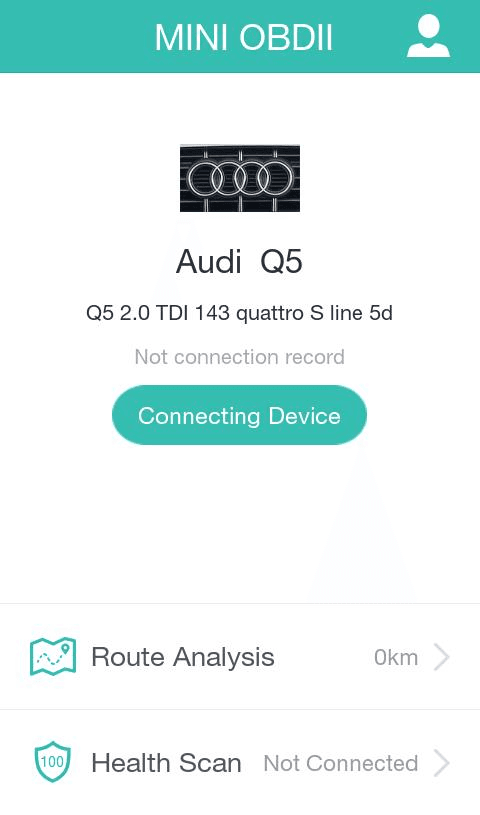
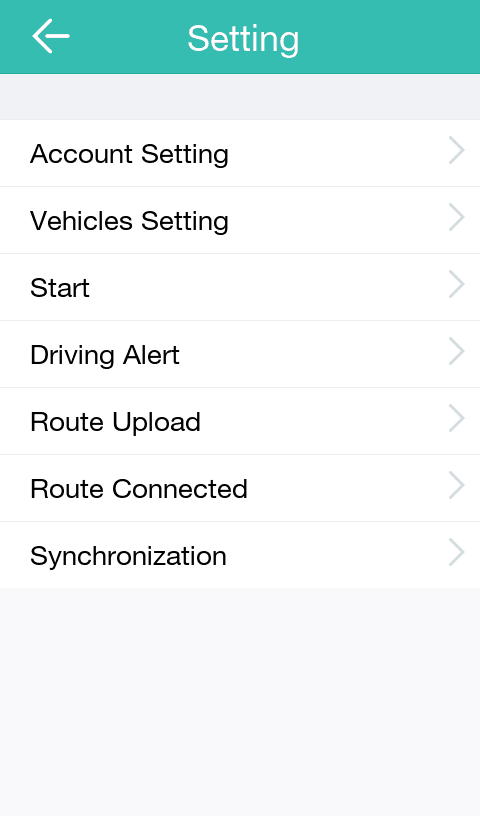
Click at "Vehicles Setting" and select the model of your car.